Android, iOS and Huawei
START BETTING
Download the betway app!
Betting on your favourite sports is easy. Bet Now. Bet Live.
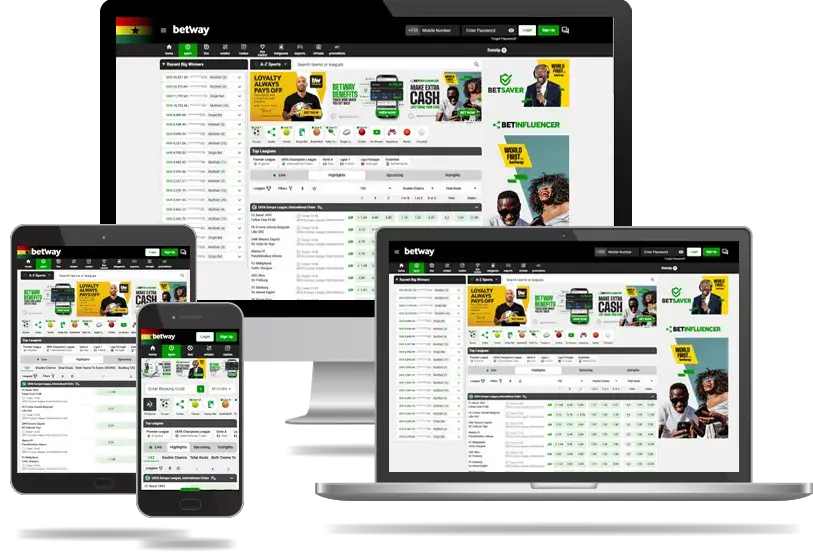

Android, iOS and Huawei
START BETTING
Download the betway app!
Betting on your favourite sports is easy. Bet Now. Bet Live.
The Betway App offers players a fast, secure, and convenient way to enjoy sports betting and casino games, and its available on Android, iOS, and Huawei devices.
The app delivers the same trusted Betway experience you know and love and is completely optimized for mobile.
As one of Ghana’s leading and fully licensed betting operators, Betway also operates under the strict regulations of the Gaming Commission of Ghana so as to make sure that safe and responsible gameplay is always on offer whenever you choose Betway Ghana.
Now below is where you will learn exactly how to download, install, set up, and use the Betway mobile app for sports betting and casino gaming in step-by-step guide.
Plus, we’ve included tips on:
Downloading the Betway App in Ghana is easy.
The app is available for Android, Huawei and iOS users and gives you full access to sports betting, casino games, and more, and like we mentioned above, it’s all optimised for mobile.
Stores guarantee that you receive a verified, safe version of the app with the latest updates and enhanced security features.
You can also visit the official Betway Ghana website to find direct download links to the latest version of the app.
Downloading the Betway APK file from third-party website is not recommended.
These unofficial sources can contain unsafe or outdated versions of the app, which may compromise your account and personal data.
This is why we suggest that you always download from trusted sources such as the Google Play Store, Apple App Store, or the official Betway Ghana website to stay protected and enjoy the best app experience.
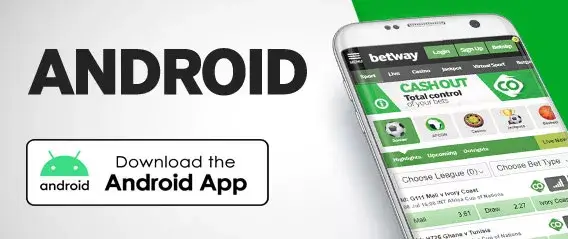
Want to get the app for android to experience the excitement, then:
From there, just wait for the installation to complete, then open the app.
Once its open, log in or create an account to start betting.
If you can’t access the Play Store, visit the official Betway Ghana website and download the Betway Ghana APK directly.
Now, once the installation is complete, follow these quick steps to get everything ready for the Betway experience:
As an option, you can enable notifications to receive betting updates, match alerts, and promotions.
Once you’re all set up, start browsing sports, casino games, or live events.
But most importantly, enjoy the full Betway mobile experience.
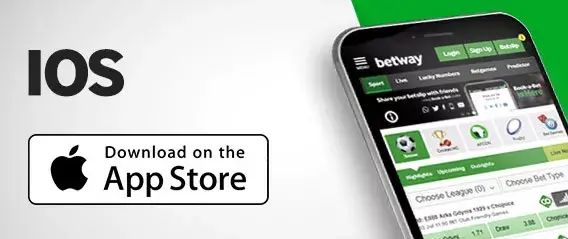
The Betway iOS app is available exclusively through the Apple App Store.
It is verified by Apple, which means users get high security, fast performance, and smooth gameplay across iPhone and iPad devices.
How to Download on iOS
The iOS app is regularly updated to improve functionality, and it also introduces new features, and maintains compliance with the Gaming Commission of Ghana.
Setting up on iOS is quick and simple.
Follow these steps to start betting securely:
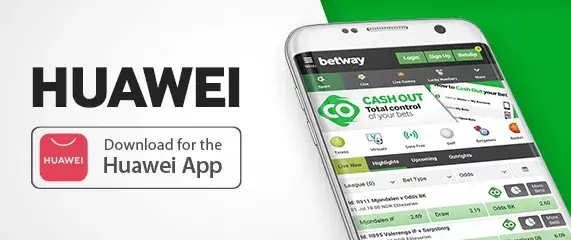
Downloading the Betway app on your Huawei device is also quick and simple.
Follow these steps to get started:
The Betway mobile app is designed for simplicity and ease of use.
Its clean layout allows players to move smoothly between sections and find their favourite games or events, and in seconds.
Main Sections include:
Each section is optimized for mobile performance, ensuring fast loading times even on 3G or 4G networks.
Logging into your Betway account is quick and secure.
If you experience any login issues:
Creating a new account on the Betway Ghana app takes just a few minutes.
You’ll receive a confirmation message once registration is successful.
Remember that you must complete FICA verification before you can make withdrawals.
In Ghana, Betway complies with Know Your Customer and Financial Intelligence Centre regulations so that player safety can be maintained and fraud can be prevented.
Documents required:
How to Verify:
Verification typically takes 24 hours, sometimes more.
Completing it early gives you faster deposits and withdrawals.
Before verification, you may deposit and bet, but withdrawals are restricted.
Betway stands as one of Ghana’s most trusted and regulated sports betting platforms, licensed by the Gaming Commission of Ghana.
Top Sports Betting Benefits:
The Betway Casino App Ghana offers a smooth, top-class mobile gaming experience with many exciting titles.
Casino Highlights:
Yes. The Betway Ghana app is 100% free to download and install on Android, Huawei and iOS devices. You’ll only need an active internet connection and mobile data.
Yes. You can still access all Betway features through the mobile website at www.betway.com.gh. However, the app offers faster performance and a more personalized experience.
Absolutely. Betway Ghana is licensed and regulated by the Gaming Commission of Ghana. All transactions are encrypted for your protection.
If you can’t find the Betway app on Google Play, visit the official Betway website to download the Betway Ghana APK. Avoid third-party sources to protect your data and device.